Your Lotify chat
The default. Each new listing arrives as a Telegram message from @lotifybot with photos, price, place and an Open button.
Lotify watches eBay, Facebook Marketplace, Vinted, OLX, Willhaben, AUTO.RIA and DIM.RIA and delivers every new matching listing where you work: as JSON to your own app or to Zapier, Make and n8n, into a Discord channel, or into a Telegram channel or group posted by your own bot.
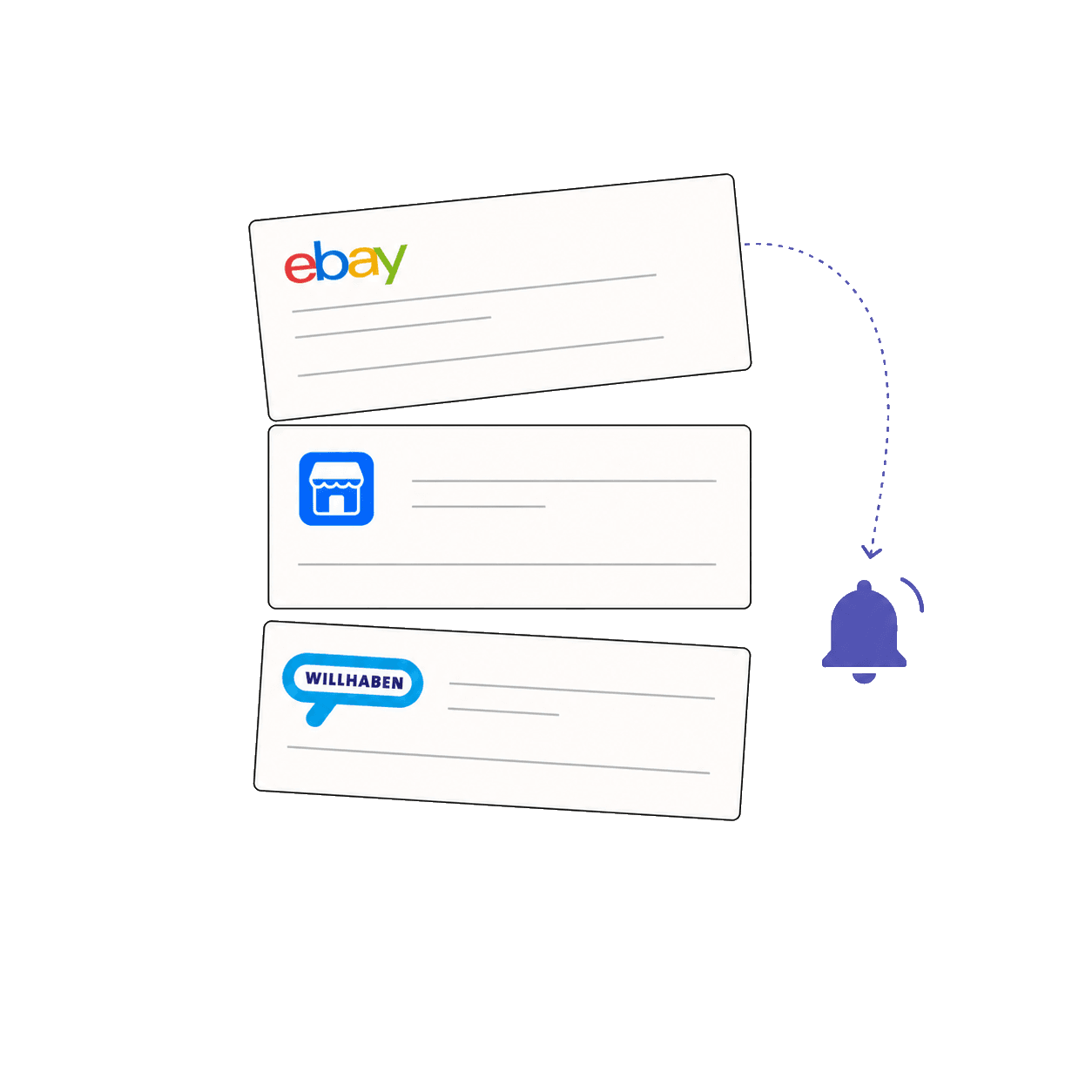
Not for watching other people’s listings: Facebook Marketplace, Vinted and OLX don’t offer one, and eBay’s developer API needs your own keys and polling code. Lotify does the watching and sends each new listing that matches your search to your webhook as JSON, one HTTP POST per listing, or posts it to Discord or Telegram.
Pick a destination for each search. Every marketplace Lotify supports works with all four.
For every new listing that matches your search, Lotify sends one HTTP POST to your URL with Content-Type: application/json. The body is the listing itself, in the shape the marketplace uses, so an OLX listing and an eBay listing have different field names.
A listing typically carries:
Each listing is sent once per destination. On OLX, a listing that changes price is sent again, so your system can follow price drops.
Return a 2xx status quickly and do heavy work in a queue on your side. Use the listing URL or id from the body as your own key if you store listings. If you don’t want to run a server, a Zapier, Make or n8n webhook trigger works as the URL.
| Feature | Lotify chat | Telegram channel or group | Discord | Webhook |
|---|---|---|---|---|
| Who sees it | Just you | Everyone in the channel or group | Everyone in the Discord channel | Your app or automation |
| Photos | Photo gallery | Photo gallery | First photo | Photo URLs in the JSON |
| Link to the listing | Yes | Yes | Yes | Yes |
| Posted under | @lotifybot | Your own bot | Lotify | n/a |
| Setup | Nothing | Bot token and chat ID | Paste a Discord webhook URL | Paste your URL |
| Code needed | None | None | None | Only to use the data |
Webhooks, Discord and Telegram channels aren’t billed separately. Every plan starts with a 7-day free trial.
Up to 12 active alerts
Unlimited Telegram channels
Watermark-free notifications
Track listings in real-time. Set keywords, categories or other filters.
Not one you can use to watch other people’s listings. Facebook Marketplace and Vinted don’t offer a public listing search API, and OLX’s partner API is for business sellers managing their own adverts. eBay has a developer API, but you need your own keys, quotas and polling code. Lotify does the watching and pushes each new matching listing to your webhook.
An HTTP POST with Content-Type application/json for every new listing that matches the search. The body is the listing as the marketplace describes it, so field names differ between marketplaces. It typically includes the title, price, listing URL, photo URLs, description, location, seller details and the marketplace’s own parameters, such as car brand or number of rooms.
In the Lotify bot, open Channels, tap Add webhook, give it a title and paste your URL. Choose Discord webhook as the type for a Discord URL. Then create or edit a search and pick the webhook under where to receive notifications.
Yes. Create a bot with @BotFather, add it as an admin to your channel, supergroup or private group, get the chat ID with @myidbot, and enter the bot token and chat ID in Lotify under Channels. Alerts then post from your bot.
Not directly. Send the search to a webhook in Zapier, Make or n8n and forward each listing to Slack, WhatsApp, email or anything else those tools support.
Each search posts to one destination. To send the same alerts somewhere else, duplicate the search and pick the other destination.
No. Each listing is sent once per destination. The exception is OLX, where a listing that changes price is sent again so you can follow price drops.
No. Destinations aren’t billed separately. Plans differ by the number of active searches: Pro has 12, Pro Max 30 and Enterprise is unlimited, all with a 7-day free trial.