Why eBay Thinks You Are a Bot and How to Get Past Access Denied
eBay blocks you with two different messages and almost every guide online treats them as one problem. They come from two different systems, they have different causes, and the fixes don’t overlap.
Which message do you have?
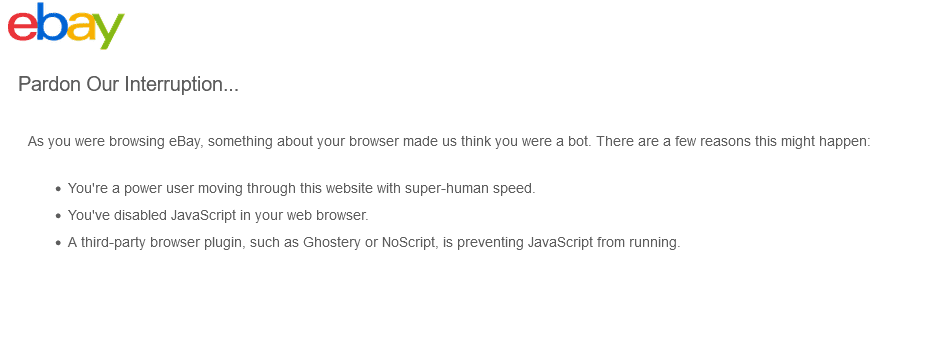
“Pardon Our Interruption. As you were browsing eBay, something about your browser made us think you were a bot.” This is eBay’s bot detection looking at your browser. Go to Fix 1.
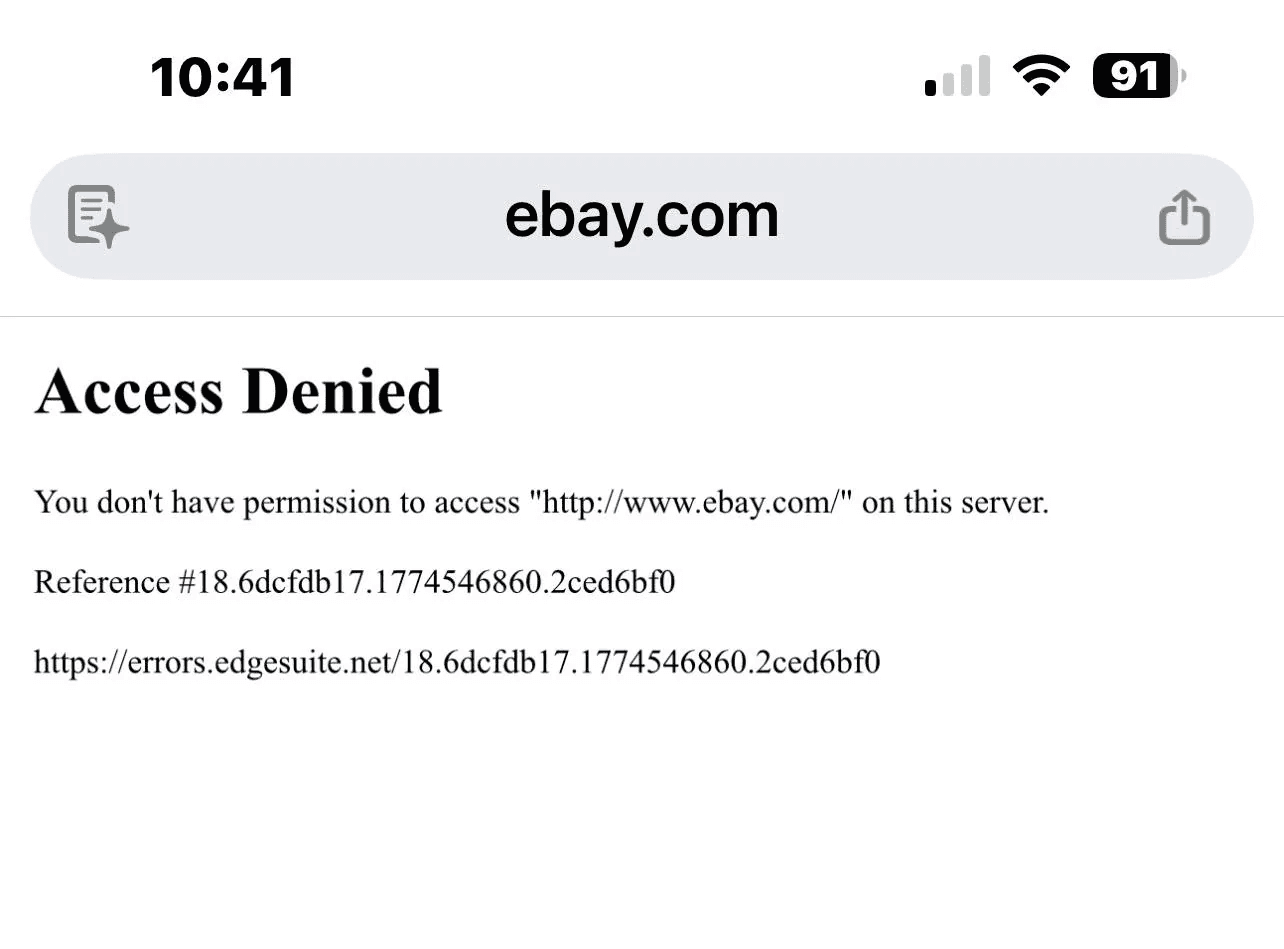
“Access Denied. You don’t have permission to access…” followed by a long reference number. This one isn’t really from eBay. It comes from Akamai, the service eBay uses to filter traffic, and it’s looking at your IP address, not your browser. Go to Fix 2.
Fix 1. Pardon Our Interruption
Open eBay in a private window. If it loads, an extension or a stale cookie is the cause and you now know which browser to clean.
Turn off privacy extensions. Ghostery, NoScript and anything else that blocks scripts will trigger this, because the detection needs JavaScript to run and reads a block as evasion. Ad blockers and cashback extensions count too.
Check JavaScript is enabled and your browser is current. Older or less common browsers fail this check more often. People hit it on Brave, Opera and Pale Moon while Chrome and Firefox on the same machine work.
Cut down how many searches you run back to back. This is the trigger people never suspect, because each individual search looks innocent. Running the same query over and over to catch new listings, firing off twenty variations of a search in a few minutes, or paging deep into results and then starting again all read as one thing at the network level, which is a client requesting pages faster than a person shopping would. eBay publishes no number here, so nobody can tell you how many searches per minute is safe. What you can do is notice that the block usually arrives on the days you were refreshing hardest.
Stop opening listings in bulk. Middle-clicking fifteen tabs and then reading them is the same pattern in a different shape. The message names it as browsing with super-human speed and it means that literally.
Turn off your VPN or hotspot. Both change how your traffic looks.
If it’s the app on your phone, eBay is checking your device’s default browser, not the app. Set your default to a current version of Chrome or Firefox and try again.
If it only happens on one link, use a different route to the same place. A bookmark that now redirects in a loop produces this message. Go to ebay.com and navigate from there instead.
You should see eBay load normally within a few of these.
If none of them work, check whether it’s eBay’s problem. The detection throws false positives during eBay outages, and in January 2026 it locked out a wave of ordinary users while eBay was having server trouble. Look at the Report eBay Technical Issues board. If it’s busy, wait.
Fix 2. Access Denied with a reference number
Your IP address is the problem, so everything here is about your connection.
Switch networks. Open eBay on your phone using mobile data with wifi off. If it works there, your home IP is what’s blocked, and you have your answer in ten seconds.
Turn off your VPN. Akamai blocks VPN exit addresses routinely, often because of something a previous user of that address did. A new VPN location sometimes helps and sometimes doesn’t.
Remove cashback and coupon extensions. Rakuten and tools like it behave enough like scrapers that Akamai bans the IP they run from. This one catches people who have no idea an extension is doing anything.
Check whether Akamai has you blocked. Akamai publishes a page explaining why it blocks people, with an IP check on it. If your address is listed, you can request removal, and it takes a couple of days.
Ask your ISP for a new IP if nothing else works and you’ve been stuck for days. Users who have exhausted the list end up here, and it does fix it.
Then slow down, or the ban comes back. Akamai decides per IP address, and one of the things it counts is how many requests come from that address and how fast. If you share a connection with other people running searches on eBay, or if you spent the morning reloading a results page, the address is what got flagged and a new one will get flagged the same way.
You should see eBay load on the other network almost immediately, which confirms the diagnosis even if the fix takes longer.
If every network fails, check the community board. Akamai and eBay have had incidents that produced this error for whole countries at once.
Is this because eBay bans scraping
Partly, and it’s worth understanding because it explains why the block feels so arbitrary.
eBay’s User Agreement has banned robots, spiders, scrapers and automated data-gathering tools for years. In December 2025 eBay added a Robot and Agent Policy to its robots.txt, and on 20 February 2026 an updated User Agreement took effect naming AI “buy-for-me agents, LLM-driven bots” and any flow that places orders without a human reviewing them.
None of that is aimed at you. The problem is that the detection can’t tell a scraper from a person refreshing a search page every 5 seconds, because at the network level those look similar. You get caught by a system built for someone else.
Which also means there’s no setting that exempts you. The only real fix is to stop producing the pattern.
How to stop getting flagged
You’re waiting for something specific to appear. So you run the search, get nothing, run it again twenty minutes later, then again, then open a second tab with a slightly different wording, then scroll four pages deep to be sure you haven’t missed it. Repeat that for a week. You’ve produced exactly the traffic pattern the detection exists to catch, and the fact that a human did it by hand changes nothing, because the request log looks the same either way.
That’s why the fixes above keep working for a day and then stop. You clean the extensions, you get back in, and three days later you’re blocked again, because the cause was never the extensions.
Doing fewer searches solves it. So does not being the one doing them.
Lotify watches eBay listings as they publish and sends each match to Telegram within seconds, with the photo, the price and the link. You set the keywords, the marketplace, the price range and the words to exclude, then you close the tab. There’s no page to refresh, so you stop generating the pattern. It never signs in as your account and it never places an order, so nothing you do with it touches the rules above.
Free Trial Available
Lotify offers a 7-day free trial with no registration or credit card required. Test it out and see how many deals you’ve been missing.
It costs money after the trial, $19.99 a month for up to 12 alerts, and it lives in Telegram. If this was a one-off block, clean up your extensions and carry on. If you’re getting flagged every week, count how many times you loaded a results page yesterday. That number is the answer, and no browser setting will change it.
FAQ
What does “Pardon Our Interruption” mean on eBay?
It is eBay’s bot detection reacting to your browser: “As you were browsing eBay, something about your browser made us think you were a bot.” The usual causes are privacy or script-blocking extensions, disabled JavaScript, an older or less common browser, or running many searches or opening many listings back to back.
What does “Access Denied” with a reference number mean on eBay?
That block is not really from eBay. It comes from Akamai, the service eBay uses to filter traffic, and it is looking at your IP address rather than your browser. Open eBay on your phone using mobile data with wifi off: if it works there, your home IP is what is blocked.
How do I fix Pardon Our Interruption on eBay?
Open eBay in a private window to see whether an extension or stale cookie is the cause. Turn off privacy extensions such as Ghostery and NoScript, plus ad blockers and cashback extensions. Check JavaScript is enabled and your browser is current, turn off your VPN or hotspot, and cut down how many searches you run back to back.
If none of that works, check the Report eBay Technical Issues community board, because the detection throws false positives during eBay outages.
How do I get past Access Denied on eBay?
Switch networks to confirm the diagnosis, turn off your VPN, and remove cashback and coupon extensions such as Rakuten. Check Akamai’s block page with its IP check and request removal if your address is listed, which takes a couple of days. If you have been stuck for days, ask your ISP for a new IP.
Then slow down, or the ban comes back: Akamai counts how many requests come from an address and how fast.
Why does eBay keep blocking me even after I fix it?
Because the cause is usually the traffic pattern, not your browser. Running the same search every twenty minutes, opening second tabs with slightly different wording and paging deep into results looks the same as scraping at the network level, whether a human does it by hand or not. Cleaning extensions gets you back in for a day or two; doing fewer searches is what actually stops it.
Can a VPN get me blocked on eBay?
Yes. Akamai blocks VPN exit addresses routinely, often because of something a previous user of that address did. Turning the VPN off usually fixes it. Switching to a new VPN location sometimes helps and sometimes does not.

2026-09-14
